How It Works
TouchFree manages the camera, computer vision, and output for precise body, hand, and face tracking for interactive webpages, PDFs, and other software like Unity, Resolume, Blender, and audio or lighting control software with standard OSC and VMC output.
You make the interactive content or connect it with your software. TouchFree sends precise real-time body and hand movement to the content or your other applications.
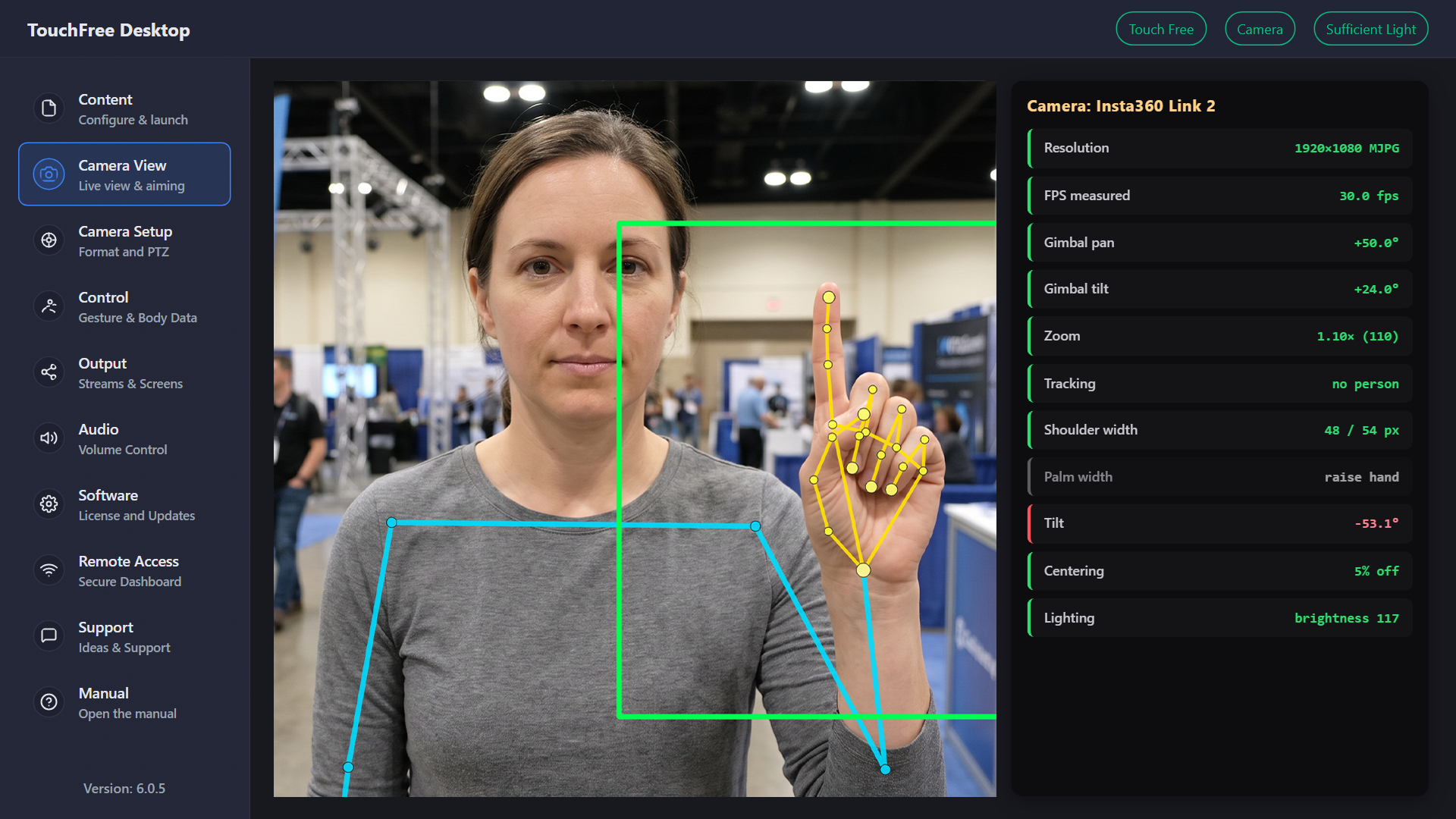
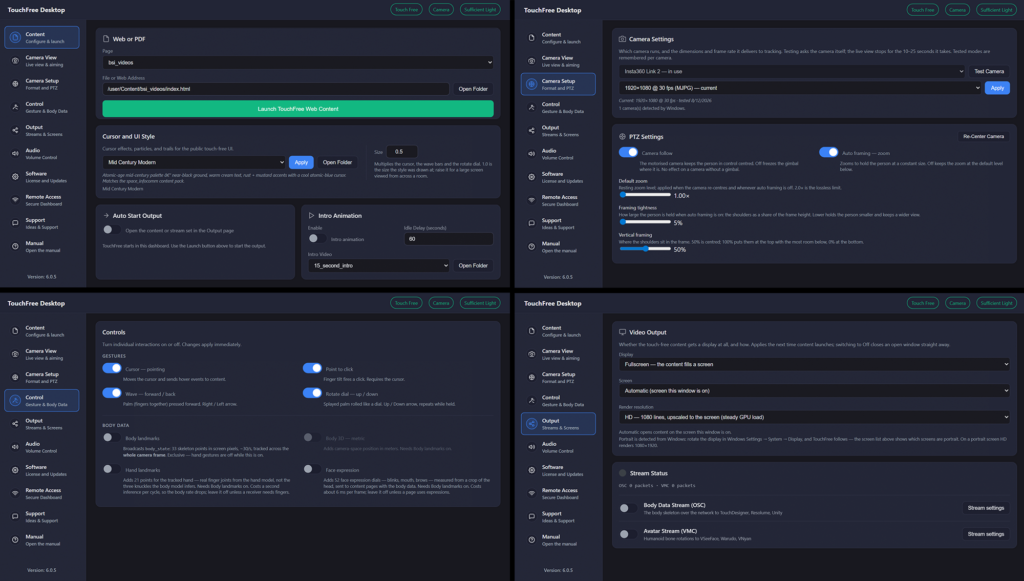
TouchFree Dashboard
Easy to use dashboard with professional control of input, output, and quality of real-time body, hand, and face landmark data.
- Set Content (web URL or local file)
- Manage Cameras and PTZ Framing and Landmark Capture
- Set Display or OSC and VMC Output to Other Software