Use Cases
Trade Shows & Brand Activations
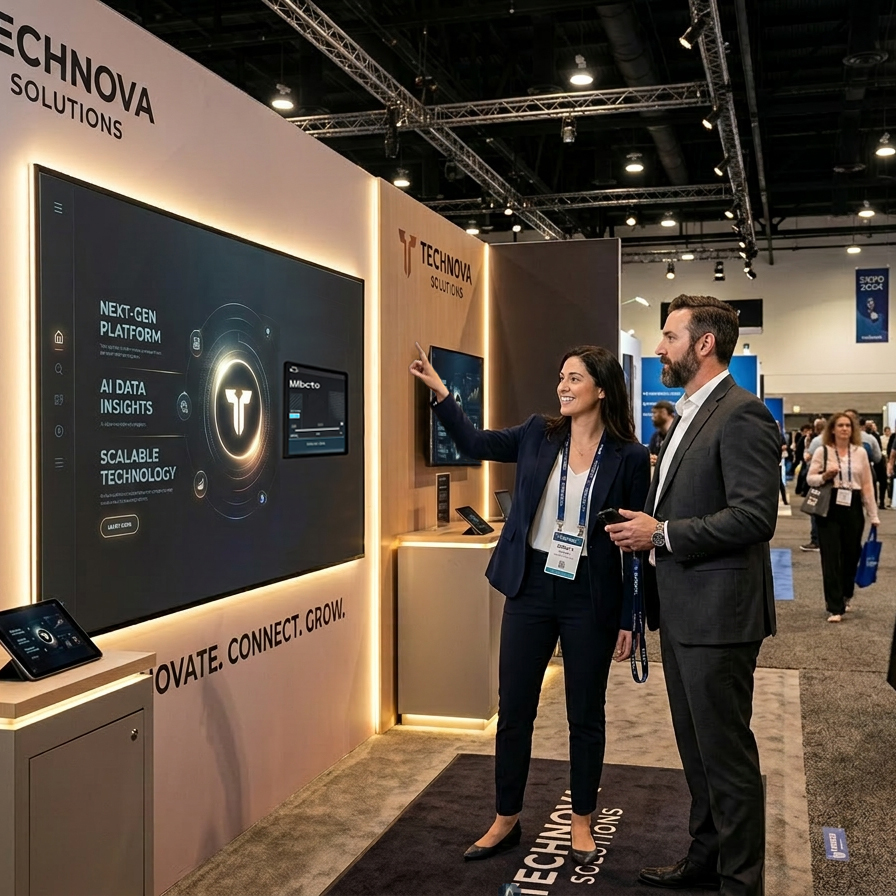
Turn any rented display into an interactive brand experience. Load your client’s website, product catalog, or custom activation content. The idle animation stops foot traffic and draws people in. Hand gesture interaction creates engagement that’s visible to the crowd around the booth.
Why agencies love it: Differentiates your pitch. No custom development. Rental economics work at $300–600/day. Tidy carrying case and easy to setup.
Corporate Showrooms & Salesfloors
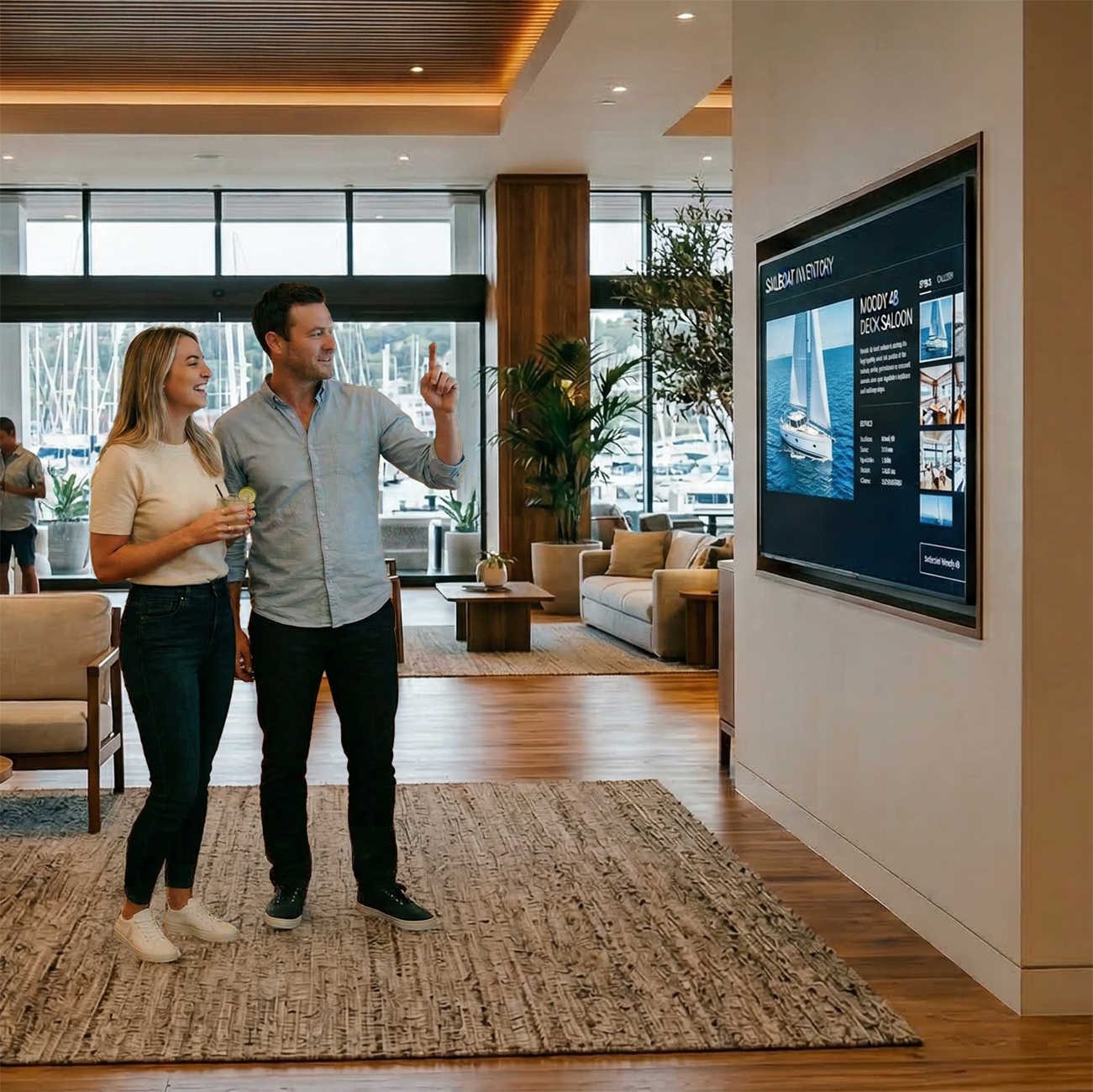
Replace interactive lobby displays with a TouchFree experience visitors control themselves. Product portfolios, company timelines, investor presentations — all navigable by gesture without dedicated staff.
Why facilities teams love it: Runs unattended. Content updates are a URL change. No touchscreen cleaning.
Museums & Visitor Centers
Let visitors explore exhibits, maps, and video content without touching shared surfaces. The body-tracking animation creates a “magic mirror” that draws visitors of all ages.
Why curators love it: Works with existing web content. Runs for days without intervention. Calibration profiles adapt to different environments.
Healthcare & Waiting Rooms
Provide wayfinding, check-in information, and patient education on displays patients control without touching. The Medical Minimal theme provides a clean, clinical look.
Why administrators love it: No shared surfaces to sanitize. No wearables. Fully self-service.
Conferences & Events
Deploy interactive agendas, venue maps, speaker bios, and sponsor content. Set up in minutes — plug in HDMI and power, load a URL, done.
Why event producers love it: Setup in under 5 minutes. Works with any display hardware. No technical staff needed on-site.
Frequently Asked Questions
How long does it take to set up?
Under five minutes. Plug the HDMI cable into any TV, monitor, or projector. Connect the computer vision sensor and mount it at the control location. It boots directly into the TouchFree interface. Load your content by entering a URL or saving a web page or PDF to the device, aim the camera with the Camera Setup page, and you are ready to go.
What kind of content can it display?
Anything you can open in a web browser. Websites, PDFs, interactive maps, event schedules, product catalogs, PowerPoint and Google Slides presentations, video, and custom HTML content. You can load content from a live URL or store it directly on the device for locations without internet access.
What displays does it work with?
Any screen with an HDMI input. Wall-mounted TVs, freestanding monitors on stands, short throw projectors, conference room displays, the TouchFree Kiosk Manager works with it. No special touchscreen hardware or proprietary displays required.
What’s included?
The complete plug-and-play computer vision system: the Kiosk Manager software, AI Optimized Computer, Computer Vision Camera, HDMI cable, power supply, VESA Mounting Bracket and carrying case. The device ships pre-configured and ready to run out of the box.